
Accessing Kony Fabric Console
Before you use various Kony Fabric services, you must create a superuser.
To accessing Kony Fabric, follow these steps:
How to Get Started With Kony Fabric Console
After installation, you need to configure identity services and create your administrator account. Based on your Kony Fabric installation, you will see the a list of URLs in the Install Complete window, shown below:
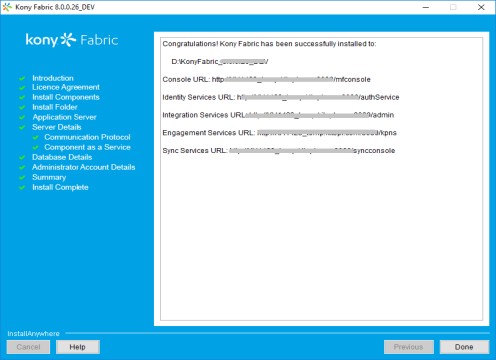
To launch Kony Fabric console, follow these steps:
- From the Install Complete window, copy the URL from Kony Fabric Console URL, and then go the URL in your web browser.
Note: To remember the URL of this portal, bookmark the URL by adding it to your favorites.
The Welcome to Kony Fabric setup page appears only if you have not already configured your identity services.
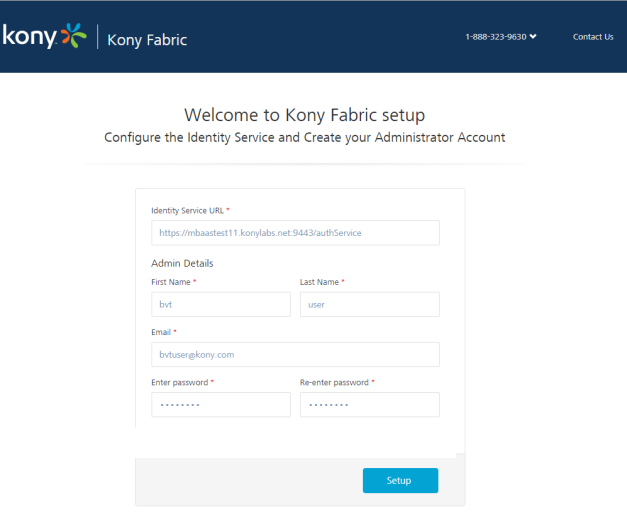
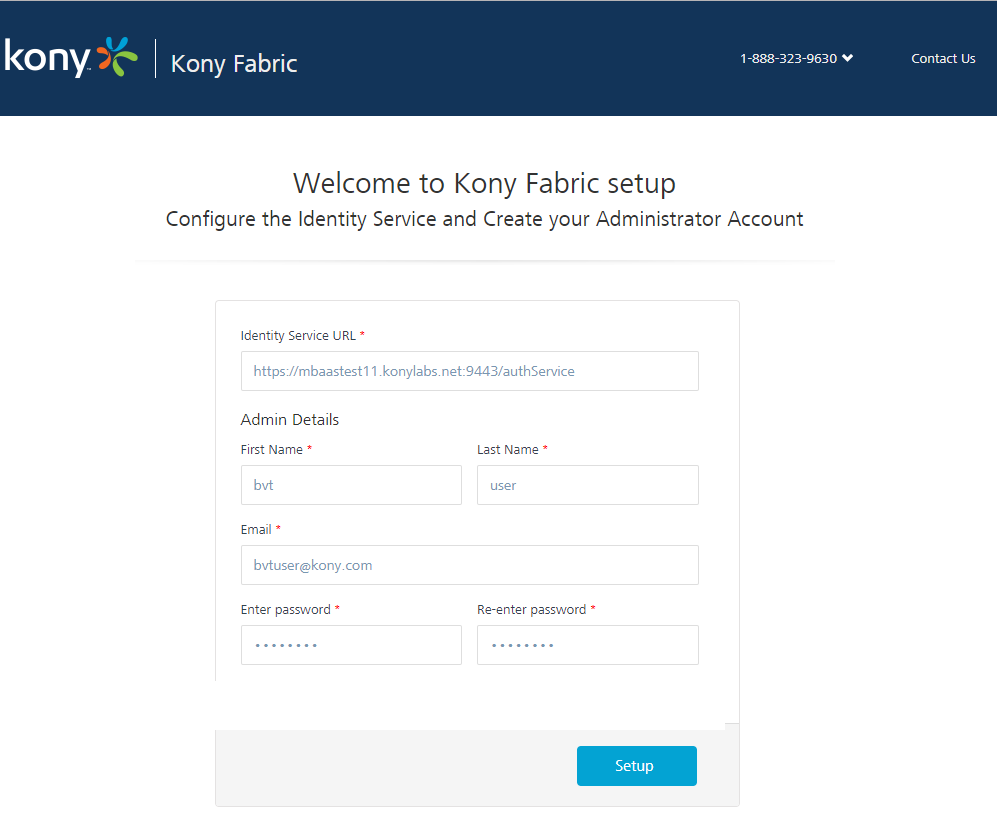
Note: Fields marked with an asterisk are mandatory.
- In Kony Identity Service URL text box, enter Kony Identity Service URL from the Install Complete page.
- Under the Kony Fabric Console Admin Details, enter the following details:
- First Name: Enter the first name of the user.
- Last Name: Enter the last name of the user.
- Email: Enter the email address of the user. It can include alphanumeric and special characters that follow standard email address form.
Enter password: Enter the password for the user. This is a string of characters that allows access to a system. It can be a combination of alphanumeric and special characters.
Re-enter password: Retype the password to ensure the user's identity.
- Click Setup.
Once the details are validated for one-time configuration, the system will:- Associate your credentials with Kony Fabric identity services and authorization services.
- Display the Sign in to your Kony Account page.
How to Log In to Kony Fabric Console
If you have configured identity services and created your administrator account (Kony Fabric superuser account), you can log in to the Kony Fabric console. A superuser will have owner permissions by default.
- Go to Kony Fabric Console URL that you bookmarked in the previous section. The Sign in to Kony Fabric page appears.
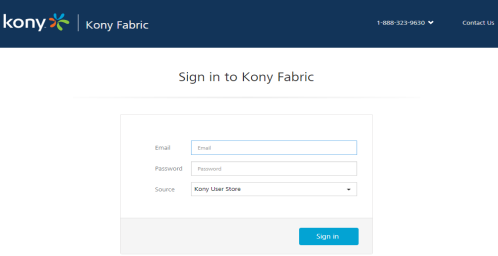
- Provide your Kony administrator account log-in credentials that you have created, and click Sign in.
After validating your credentials, you are directed to your Kony Fabric account. By default, the Apps page appears.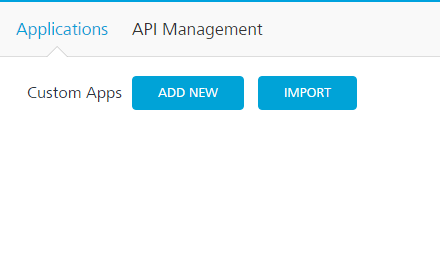
From this page, you can navigate to consoles (app services, sync services, engagement services), applications, environments, and settings.
| Copyright © 2014 Kony, Inc. All rights reserved. |