External Authentication for App Factory
Quantum supports external authentication on an App Factory Account. You can access the App Factory console by using your Okta credentials. By using external authentication, you can download and access the artifacts and MustHaves on your App Factory Account.
NOTE:
When external authentication is enabled for an App Factory Account, it is enabled for all the tenants of the account.
To access your App Factory Account by using third-party applications, follow these steps:
- Sign-in to the Quantum Fabric Console.
- From the Accounts list, select App Factory Account.
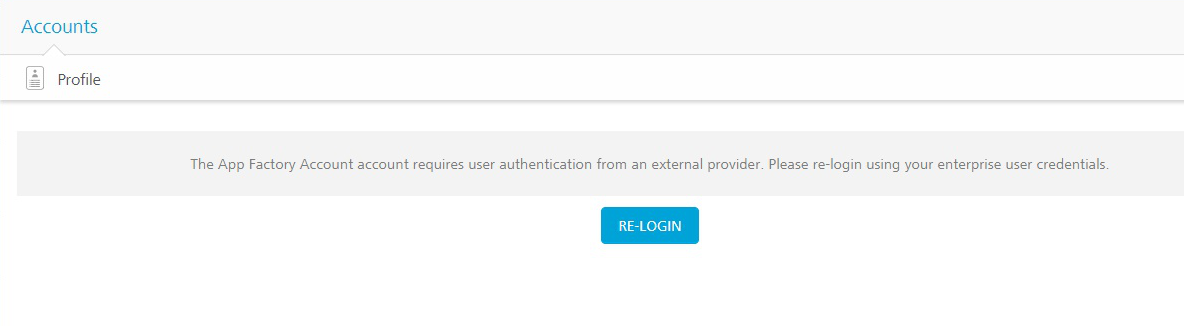
- Click RE-LOGIN.
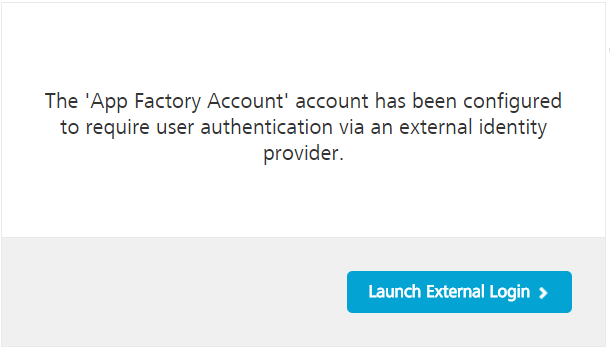
- Click Launch External Login.
- Type your Okta credentials, and the click Sign In.
- From the left pane of the Quantum Fabric Console, select Environments.
- For the App Factory environment that you want to use, click Build Management.
If Okta is enabled, a RE-LOGIN button appears.
The Launch External Login window appears.
NOTE:
If the external Identity Provider user authentication is configured, and you access the App Factory account directly, the Launch External Login window appears.
The Okta Sign In page appears.
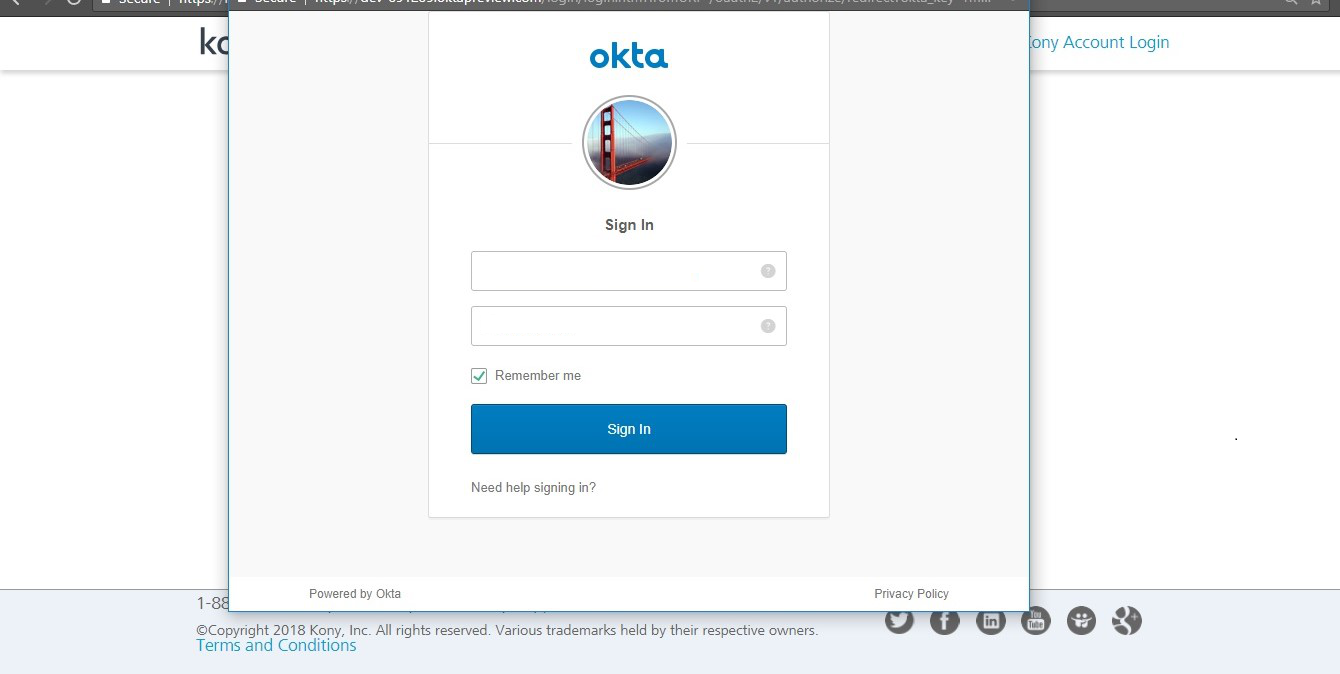
You are signed-in to your App Factory Account with external authentication.
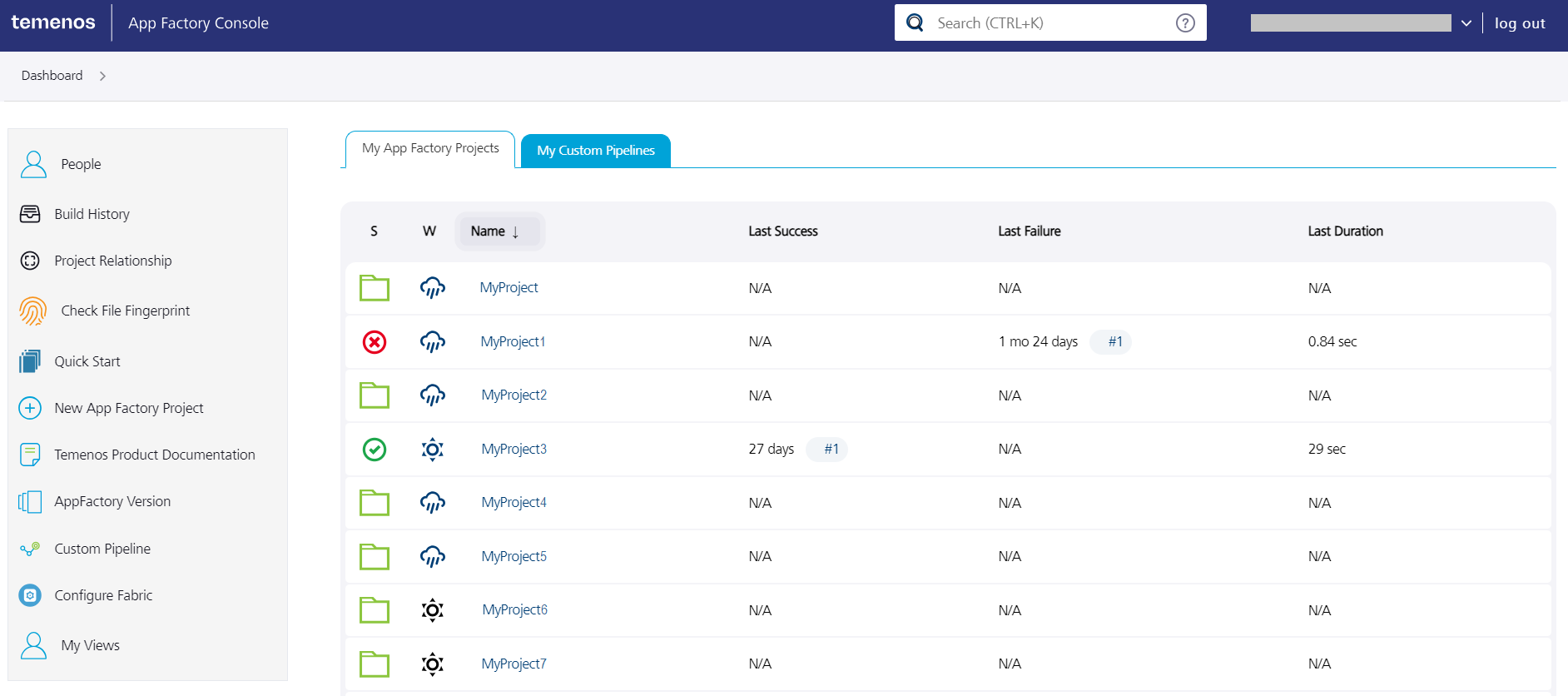
The App Factory console appears.